 kafadengi











Camera Translator
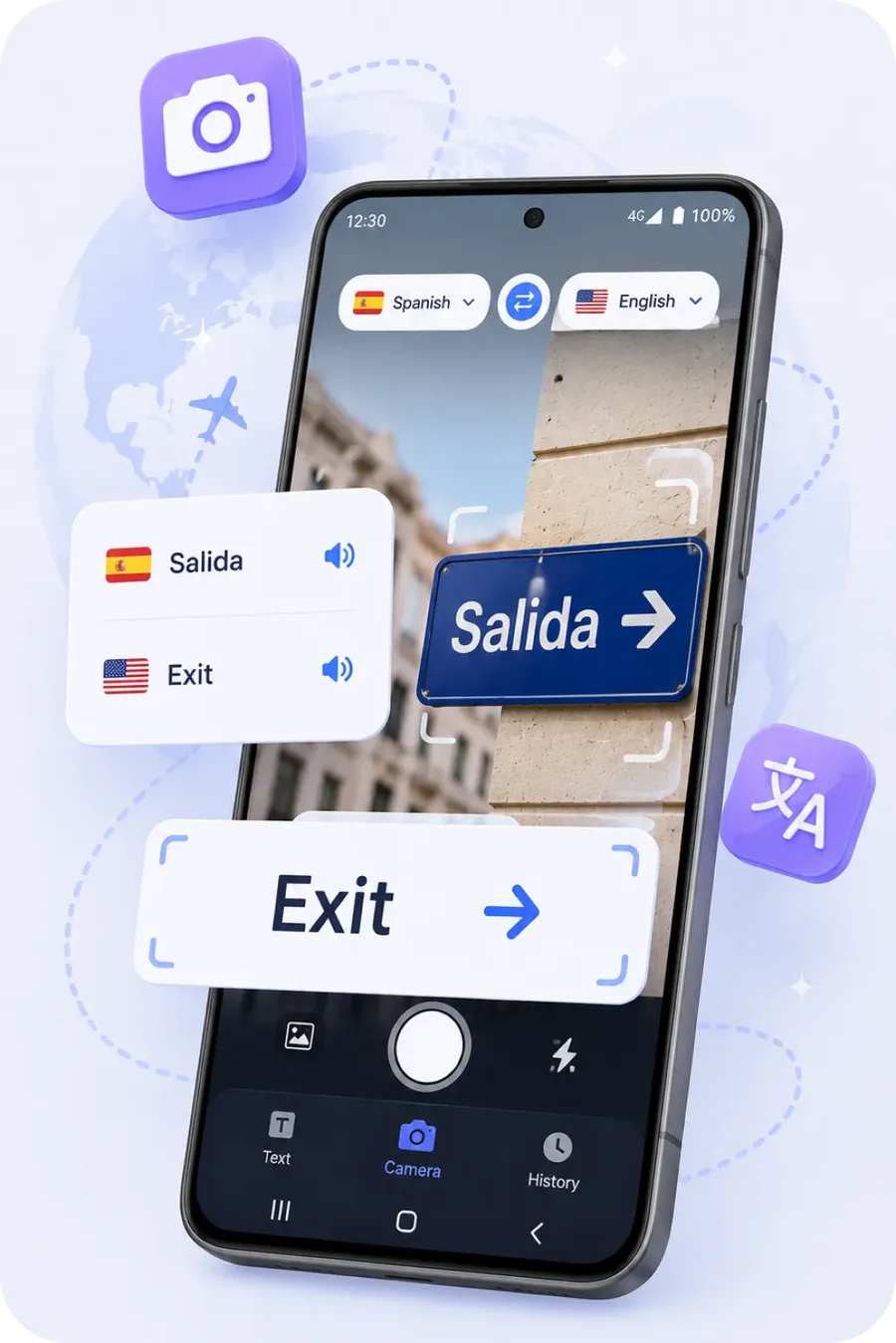
Aim at a sign, menu or page and read it in your language right on the live preview. Pick any pair of languages and swap them with one tap.

Translate signs, menus and pages straight from the camera. Type, speak or chat in another language too.
Free download · Android
Get Cam Translator free
Aim at a sign, menu or page and read it in your language right on the live preview. Pick any pair of languages and swap them with one tap.
Type or paste any text and get the translation instantly. Copy it, listen to it or send it on.
Talk and get the translation. Great for quick conversations.
Choose which messaging apps to follow and see their messages translated in one hub. It uses notification access that you grant, and senders never know you read them in the app.
Turn on the keyboard to translate as you type, in any app.
Come back to your earlier translations and read them again.
Machine translation can make mistakes. Double-check anything important.
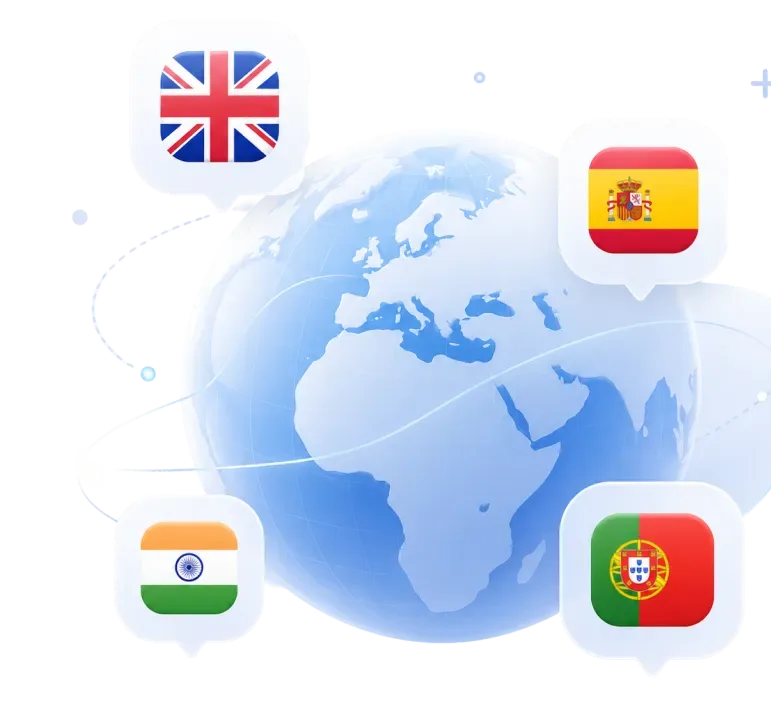
Set the language you see and the one you want, and swap them any time.
Open Camera Translator and aim at a sign, menu or page.
Read the translation, copy it, or switch to text and speak translation.
Cam Translator is free to download from Google Play. The app shows ads and offers an optional Premium subscription. Prices are shown in the app and on Google Play.
Pick your languages, point the camera at a sign, menu or page and the app shows the translation on the live preview. You can also translate a photo from your gallery.
Besides the camera, the app has a text translator, a speak translator that listens and translates, a chat translator for messages from your apps, an AI keyboard translate tool and a history of your past translations.
The camera permission is needed for camera translation and the microphone permission for speaking. The chat translator asks for notification access so it can read incoming message notifications you choose. Review the Data safety section on Google Play for details.
Translation needs an internet connection, so expect it to work when you are online. Check inside the app for what is available on your device.
Machine translation can make mistakes, especially with handwriting, unusual fonts or specialist terms. Double-check anything important, such as medical or legal text.
Download Cam Translator and point at something you cannot read.